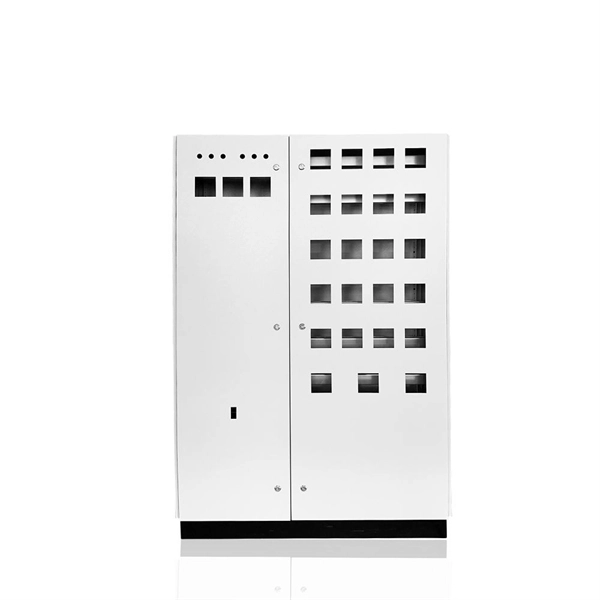
Inspecting a network server rack involves a structured process of visual checks, environmental monitoring, cable management, hardware verification, and security audits to ensure optimal performance and safety.Visual Inspection
Start by walking around the rack to look for obvious signs of damage or irregularities, such as loose cables, blinking warning lights, or misaligned equipment. Check for dust accumulation on surfaces and air intake vents, as excessive dust can restrict airflow and cause overheating . Ensure that all mounting screws, rails, and structural components are secure and that equipment is properly seated .
Environmental Monitoring
Monitor temperature and humidity using environmental sensors. Verify that readings remain within safe operating ranges, as high temperatures may indicate failing equipment or airflow issues . Consider using thermal imaging for a more detailed assessment of hot spots or potential failure points .
Cable Management
Inspect all cables for wear, strain, or damage. Ensure cables are properly organized, secured, and labeled to prevent tangling and airflow obstruction. Proper cable management simplifies troubleshooting and reduces the risk of accidental disconnections .
Hardware and Performance Checks
Check power distribution units (PDUs), switches, and servers for proper operation. Run network performance tests and compare results against baseline measurements to detect any degradation in speed or reliability . Verify that all hardware components are functioning correctly and that firmware or software updates are applied as needed.
Security and Access Control
Review physical access logs and verify that locks, access panels, and security devices are functioning properly. Monitoring access helps prevent unauthorized entry and strengthens overall data center security .
Documentation and Audit
Maintain a record of inspections, noting any issues, repairs, or upgrades. Periodically perform a full system audit, documenting equipment specifications, warranty status, and service contracts. Identify components approaching end-of-life or requiring replacement . This ensures long-term reliability and supports capacity planning for future growth.
Cleaning and Maintenance
Use compressed air and appropriate cleaning supplies to remove dust from equipment surfaces, fan grilles, and air intake areas. Replace or clean air filters and verify proper airflow patterns through the rack . Regular cleaning prevents overheating and extends equipment lifespan.
Recommended Frequency
- Daily/Weekly: Quick visual inspection, temperature check, and log review.
- Monthly: Deep cleaning, cable inspection, and minor hardware checks.
- Annually: Full system audit, electrical system inspection, thermal imaging, and capacity planning . By following these steps, you can maintain a safe, efficient, and reliable network server rack, reduce downtime, and extend the lifespan of your equipment .